Web Buttons Design: A Comprehensive Guide to Vector Files and Their Practical Applications
In the digital age, visual elements play a crucial role in user experience and brand identity. Web buttons, as one of the most frequently interacted-with components on websites, require thoughtful design and high-quality file formats. The availability of vector files for web buttons has revolutionized how designers and developers approach their work, offering flexibility, scalability, and precision. Understanding the characteristics, advantages, and practical use cases of these files is essential for anyone involved in web development, graphic design, or digital marketing.
Vector files, such as AI (Adobe Illustrator), SVG (Scalable Vector Graphics), and CMX (CorelDRAW), are designed to maintain clarity and quality at any size. This makes them ideal for web buttons that need to be resized without losing sharpness or detail. Unlike raster formats like JPG and PNG, which rely on pixels, vector files use mathematical equations to define shapes and lines, ensuring consistent quality across different screen resolutions and devices.
Key Features of Vector Files for Web Buttons
One of the primary benefits of vector files is their editability. Designers can easily modify colors, shapes, and text without compromising the integrity of the original artwork. This is particularly useful when adjusting button styles to match evolving brand guidelines or website themes. Additionally, vector files support layer-based editing, allowing for greater control over individual components of a button design.
Another notable feature is their compatibility with a wide range of design software. Adobe Illustrator, Corel Draw, and other vector-based programs can open and manipulate these files, making it easier for teams to collaborate and share assets. This interoperability ensures that designers and developers can work seamlessly across different platforms and tools.
Resizability is another significant advantage. Whether a button needs to be scaled up for a mobile interface or reduced for a compact layout, vector files maintain their crisp edges and clean lines. This adaptability is especially important in responsive web design, where elements must adjust to various screen sizes and orientations.
Practical Use Cases for Web Buttons with Vector Files
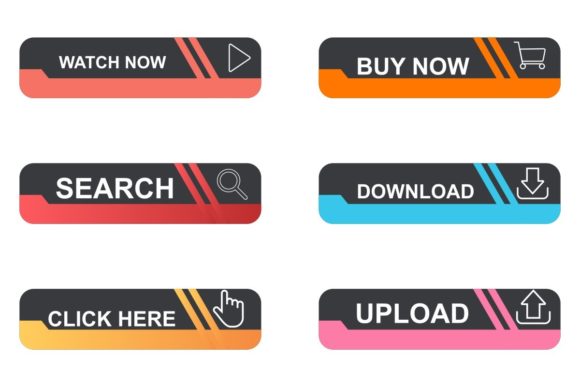
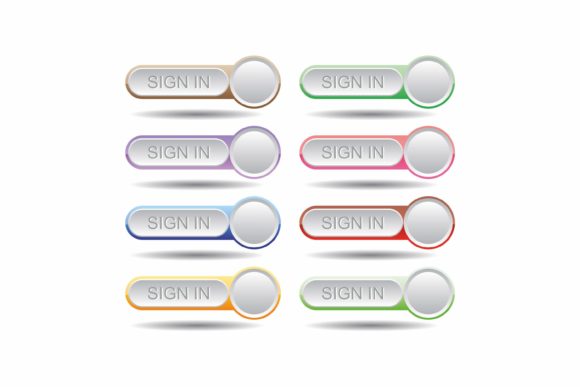
Web buttons are used in a variety of contexts, from navigation menus and call-to-action buttons to interactive elements and form submissions. In each case, the use of vector files enhances both functionality and aesthetics. For example, a designer working on an e-commerce site might use vector files to create buttons that are visually appealing and easy to scale for different device sizes.
For developers, vector files simplify the integration process. By using SVG format, buttons can be embedded directly into HTML code, reducing the need for external image files and improving page load times. This not only optimizes performance but also ensures that buttons remain accessible and searchable by search engines.
Designers often use vector files to experiment with different button styles and layouts. The ability to quickly iterate on designs without re-creating assets from scratch saves time and resources. This is particularly beneficial in agile development environments, where rapid prototyping and frequent updates are common.
Advantages of Using Vector Files in Web Button Design
The advantages of vector files extend beyond technical capabilities. From a creative perspective, they allow for greater artistic freedom. Designers can experiment with intricate patterns, gradients, and animations while maintaining the quality of the final output. This level of flexibility supports innovation and helps differentiate a website from its competitors.
From a business standpoint, vector files contribute to cost efficiency. Reusable and editable assets reduce the need for repeated design work, saving time and money. Additionally, the ability to update button designs without starting from scratch ensures that branding remains consistent across different platforms and campaigns.
Accessibility is another important consideration. Vector files can be optimized for screen readers and other assistive technologies, making web buttons more inclusive for users with disabilities. This aligns with modern web standards and improves the overall user experience.
Considerations When Working with Vector Files
While vector files offer numerous benefits, there are some considerations to keep in mind. Not all design software supports every vector format. For instance, while AI files are widely used in Adobe ecosystems, they may not be fully compatible with other programs. It’s important to choose a format that aligns with the tools your team uses.
File size is another factor to consider. Although vector files are generally smaller than raster images, complex designs with many layers or effects can increase the file size. This may impact performance, especially on slower internet connections. Optimizing vector files by simplifying paths and reducing unnecessary elements can help mitigate this issue.
Compatibility with web browsers is also a key concern. While SVG is supported by most modern browsers, older systems may have limitations. Testing button designs across different platforms ensures that they display correctly and function as intended.
Conclusion
Web buttons design is an essential aspect of digital interfaces, and the use of vector files significantly enhances their effectiveness. By leveraging the unique properties of AI, SVG, and CMX formats, designers and developers can create buttons that are scalable, editable, and visually compelling. Whether you're working on a small project or a large-scale application, understanding the advantages and applications of vector files will help you deliver high-quality, user-friendly web experiences.